Learn the Marketplace Software Step by Step
Explore every Softomi feature in depth—from API integrations and category management to payments and shipping workflows.
 08:25
08:25
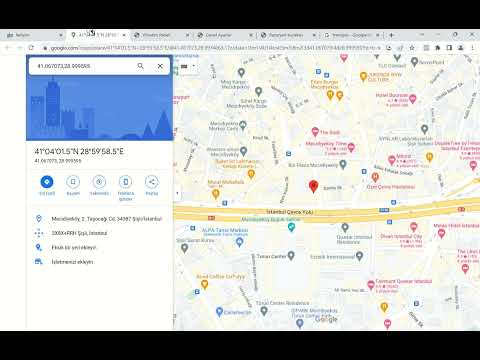
What are the first steps you should take on the site?
After receiving admin panel login details, the site owner should upload logo and favicon, enter contact information, fill Meta Title, Meta description and other SEO fields, and enter tax office, tax number and contracts (preliminary information, distance sales, etc.) into the system. Video duration 08:25.
 04:23
04:23
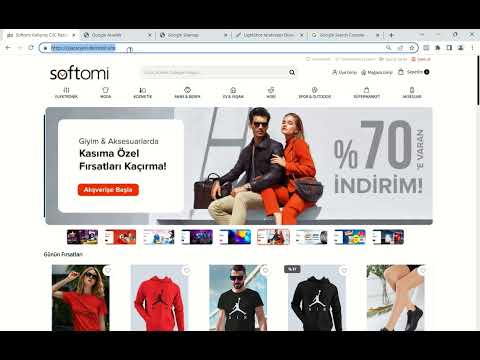
How do you register the site with search engines?
Steps to get the site indexed on Google and other search engines, how to add the site in Google Search Console, where to get the sitemap and upload it to Search Console. Video duration 04:23.
 13:08
13:08
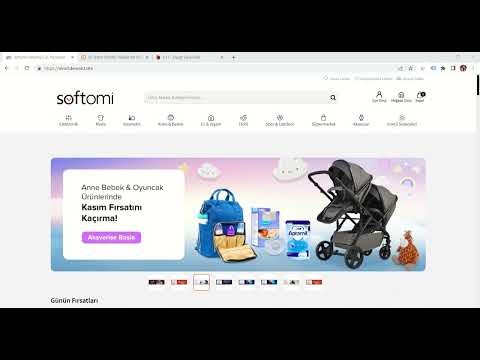
How to import products from Trendyol.com via API?
Transferring products from trendyol.com to stores, including VAT selection, discount rate and other details during import. Video duration 13:08.
 15:57
15:57
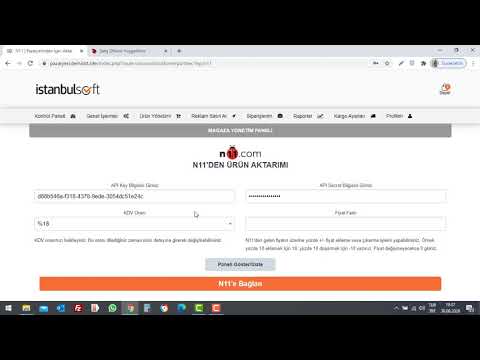
How to import products from N11 via API?
Transferring products from n11.com to stores, including VAT selection, discount rate and other details during import. Video duration 15:57.
 14:35
14:35
Trendyol, N11 and XML update workflows
How products loaded via Trendyol and N11 API and via XML are updated nightly for price, stock, option price and option stock. Video duration 14:35.
 20:13
20:13
How to upload products with Excel?
Uploading seller Excel files or exports from Trendyol and other marketplaces to the site. Video duration 20:13.
 31:15
31:15
How do stores import products via XML?
How sellers load products via XML; using XML profiles for Ideasoft, Ticimax, Tsoft, Faprika, Hipotenus; mapping and conversion for other XML structures. Video duration 31:15.
 13:00
13:00
Excel import/export, category include/exclude, bulk price edit
Exporting and importing products with Excel, category include/exclude options and bulk price editing. Video duration 13:00.
 03:44
03:44
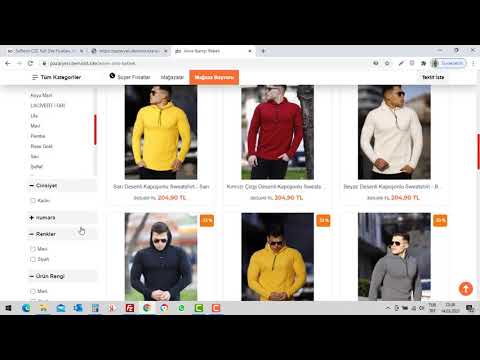
Merging synonymous options
Sellers may upload synonymous options (e.g. product color, color, colors) via Excel/XML, which can confuse filters; learn how to merge them under one option. Video duration 03:44.
 11:04
11:04
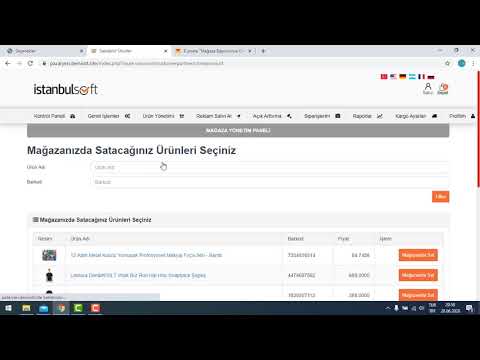
Seller product upload and review flows, single catalog
How sellers add products, how the site owner reviews them, and the single (shared) catalog model. Video duration 11:04.
 04:35
04:35
What should the site owner do before accepting seller applications?
Define required documents per store type before approval; ensure agreements with payment provider and carrier and completed integrations. Video duration 04:35.
 02:52
02:52
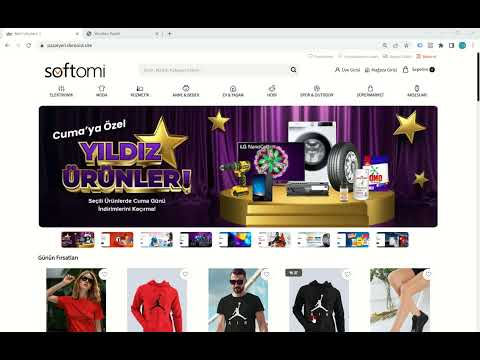
What to do during store application review
Document checks, payment provider checks and verifying seller shipping settings after a store opening request. Video duration 02:52.
 03:41
03:41
Professional document management
Per store group you can require different documents, disable requirements for specific stores, and block panel access until required documents are uploaded and approved. Video duration 03:41.
 11:12
11:12
Shipping workflows for site owner and sellers
Defining carriers and price lists, seller carrier selection, free shipping thresholds, barcode creation and post-order steps. Video duration 11:12.
 15:11
15:11
Order creation, shipment, escrow (GeT) and payment
Marketplace order flow after checkout, shipment, secure e-commerce (GeT) and paying the product amount. Video duration 15:11.
 14:23
14:23
When seller payout amounts need manual adjustments
Adjusting payout amounts plus or minus and reflecting them in reports and order difference tables; reconciling shipping charged to customers vs carrier invoices; deducting shipping from seller payouts; clawing back refunded amounts from future payouts. Video duration 14:23.
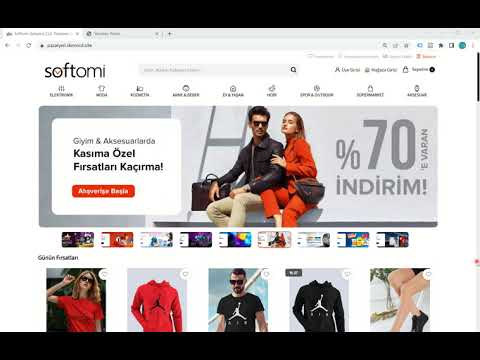 08:17
08:17
How to manage commission rates?
Site-wide, category-based, store-based, store category-based and product-based commissions and their priority in Softomi. Video duration 08:17.
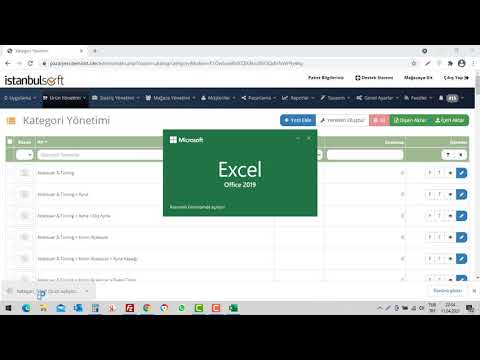 03:40
03:40
Enabling/disabling installments per category / bulk Excel
Opening or closing installments for products by category and bulk-editing allowed installment counts via Excel. Video duration 03:40.
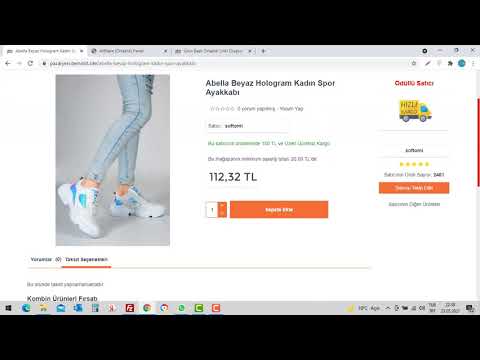 17:57
17:57
Affiliate program
Features of the affiliate (partnership) program in Softomi marketplace software. Video duration 17:57.
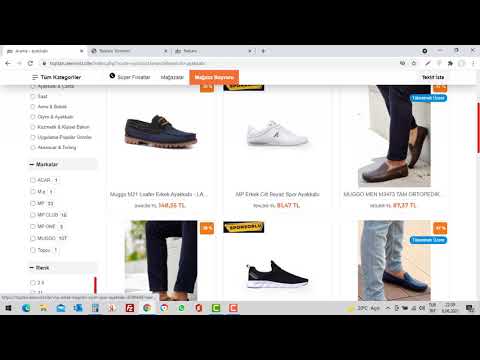 11:48
11:48
Advanced advertising module
Ad module features, site owner settings, how sellers buy ads and assign them to products. Video duration 11:48.
 14:17
14:17
Discount coupons for site owner and stores
Creating and using discount coupons and how they appear in reports. Video duration 14:17.
 03:45
03:45
Exporting products to Facebook Business / Instashop catalog
How to sync your site products to Facebook Business and Instashop. Video duration 03:45.
 08:33
08:33
Limiting attributes by category
Site owner defines which attributes apply per category so sellers only see relevant fields when listing (e.g. fabric for apparel vs electronics). Video duration 08:33.
 07:57
07:57
Differences between menu and category tree
What the menu and category tree are and how they differ, with examples from Trendyol and N11. Video duration 07:57.
 06:22
06:22
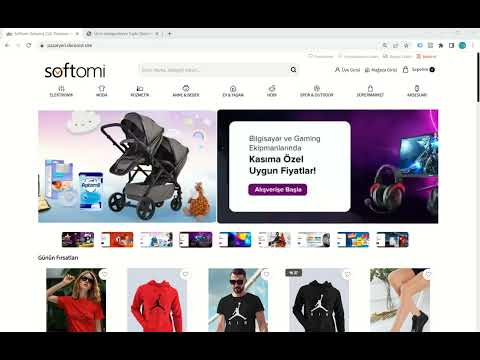
Bulk editing product categories as site owner
How to change product categories site-wide and what to watch for. Video duration 06:22.
 04:36
04:36
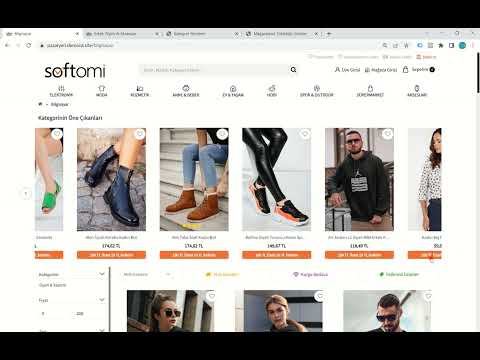
Featured products in a category
Choose which products appear at the top when visitors open a category. Video duration 04:36.
 07:01
07:01
Product order on category, subcategory, brand and store pages
Prioritize listing order for visitors on category, subcategory and brand pages; store owners can set order on their store page. Video duration 07:01.
 05:43
05:43
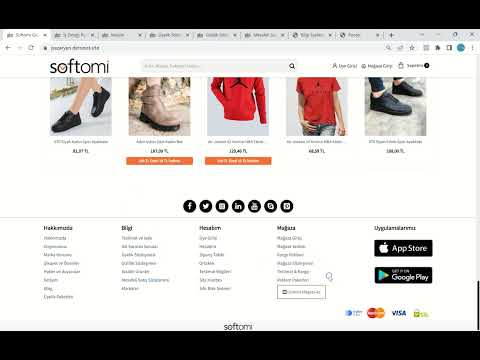
Editing the footer and information pages
Managing the site footer and linked information pages. Video duration 05:43.
 09:10
09:10
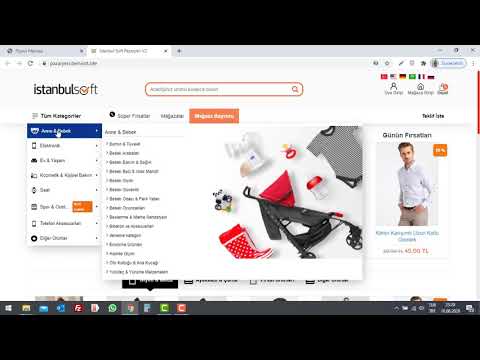
Desktop and top menu editing (left-menu themes)
Editing desktop and top menus for themes with a left menu. Video duration 09:10.
 19:49
19:49
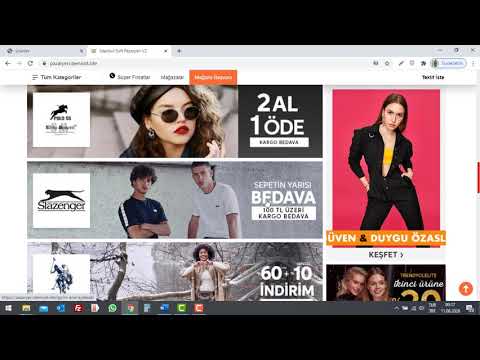
Homepage design training (left-menu themes)
Homepage showcase, slider, banners, new products, deals, footer, info pages and mobile menu. Video duration 19:49.
 17:11
17:11
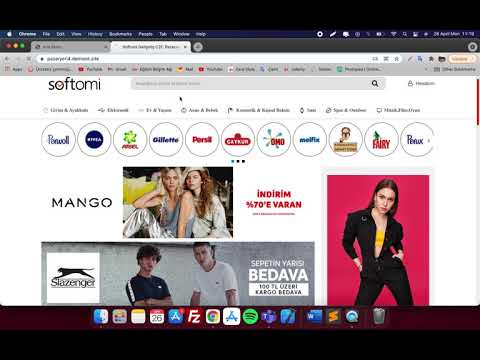
Menu settings (top-menu / Trendyol-style themes)
Building menus for desktop and mobile on Trendyol-like themes. Video duration 17:11.
 10:38
10:38
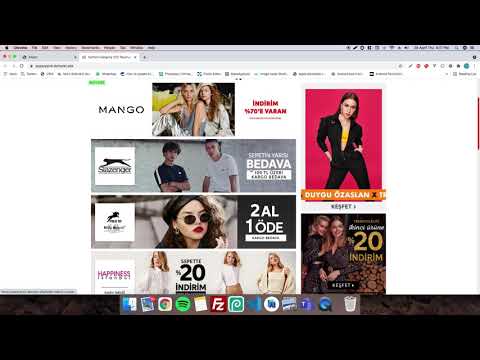
Homepage settings (top-menu themes)
How to configure the homepage on Trendyol-like themes. Video duration 10:38.
 06:32
06:32
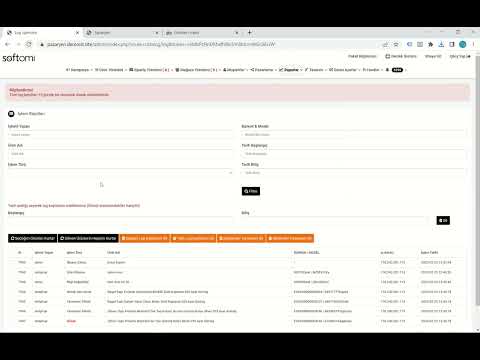
Logging user actions on the site
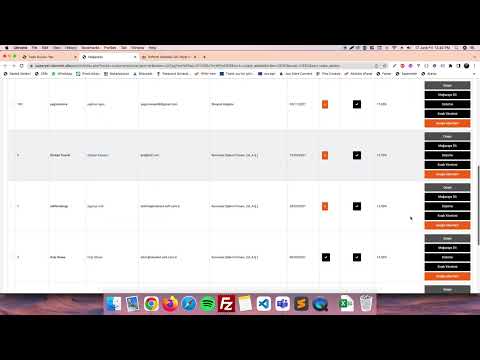
The system logs who added, edited or deleted products, with IP and time; deleted products can be recovered from logs via Recover Products. Video duration 06:32.
 03:23
03:23
Advanced announcement system
Send announcements to all or selected sellers and customers about campaigns, shipping and more. Video duration 03:23.
 03:22
03:22
Hybrid iOS and Android app settings
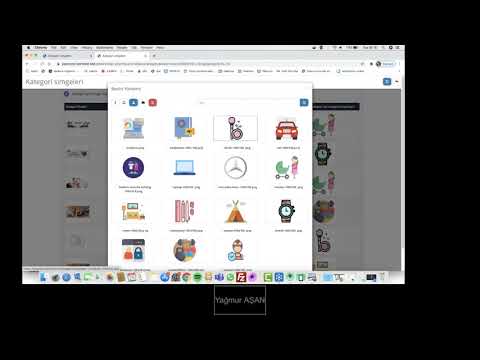
Menu, homepage and slider configuration for hybrid mobile apps. Video duration 03:22.
 02:15
02:15
Recently viewed products per visitor
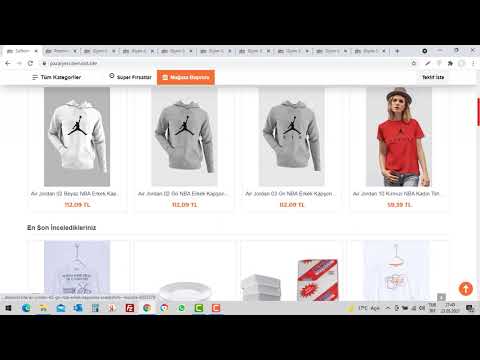
Remembers last viewed products in the browser and shows them on the next visit. Video duration 02:15.
 12:13
12:13
Other features
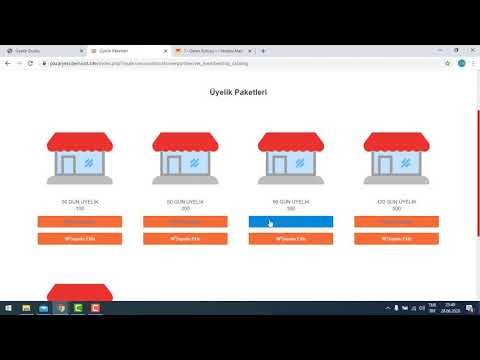
Badges, Q&A, store follow, emailing followers, membership packages, category attributes, users, Google fields, logo and favicon. Video duration 12:13.
Contact Us Now for More Information
Let's Bring Your Marketplace Project to Life Together